
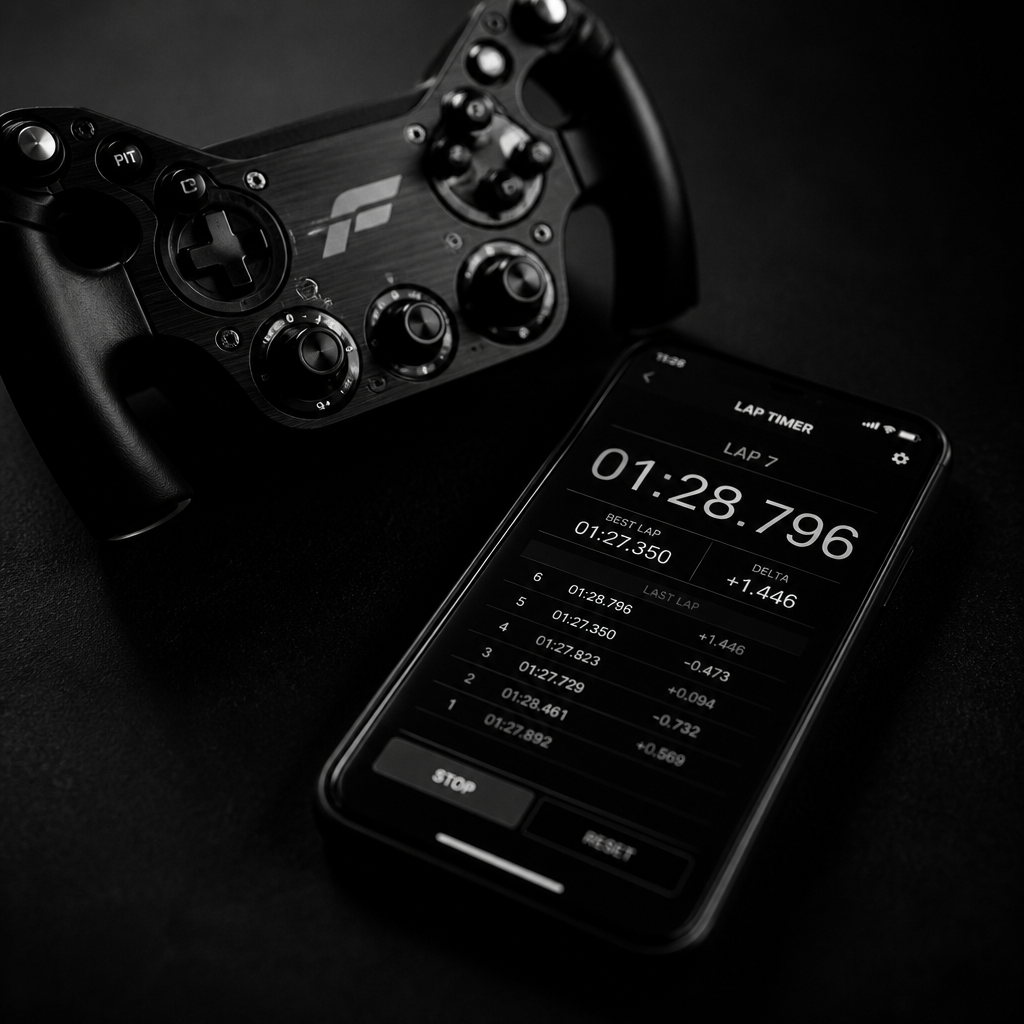
Get Started
From the box to your first race — unbox the set, lay the track, pair a car in the app and set up your first grid.
Contents
Unboxing your set
Lay everything out before you build: cars, track modules, controller and the USB-C charging lead. Charge each car while you build the circuit so you can drive as soon as the layout is down.
Laying the track
Build on a flat, level floor and push each module fully home so the guide line stays continuous. Keep the run-off clear — the cars drive on the surface, so a nudged module means a lost lap.
Downloading the app
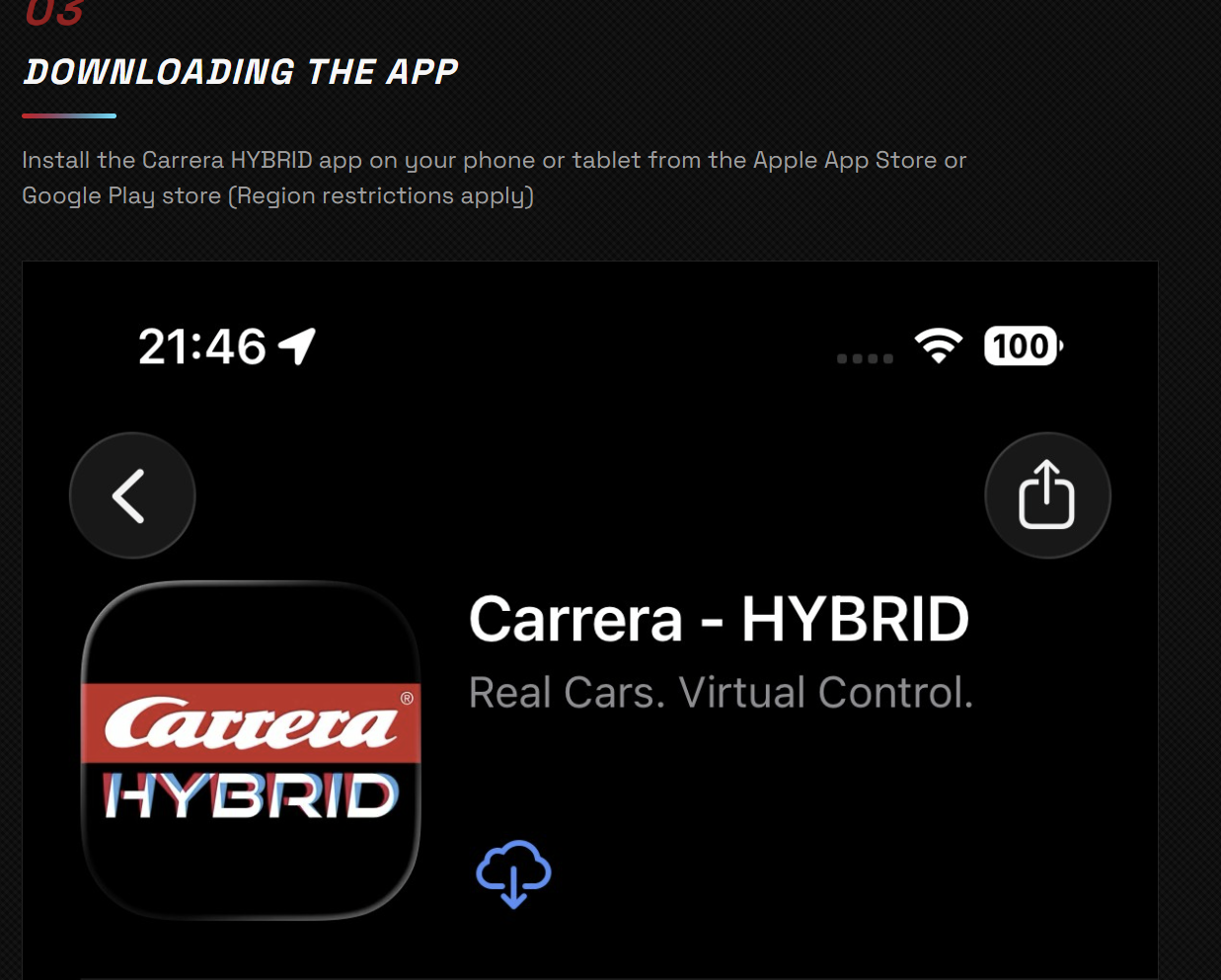
Install the Carrera HYBRID app on your phone or tablet from the App Store or Google Play, then allow Bluetooth access so it can find your cars.
Pairing your car
Power the car, open the app and pair over Bluetooth in a couple of taps.
Screen 1 of 3
Switch the car on
Flick the switch underneath the car — the lights confirm it is awake.
Add your track
Tell the app which modules you have used so it can time laps and place the racing line.
Screen 1 of 3
New layout
Create a layout and pick the modules you have built with.
Create a race
Pick a race mode, add drivers and set the length before you go green.
Screen 1 of 3
Choose a mode
Free practice, time attack or a full race with a rolling start.
Setting your controls
Choose touch controls or a gamepad, then tune the assists to suit your driving.
Screen 1 of 3
Control layout
Switch between touch throttle, tilt steering or a paired gamepad.
Setting up NPCs
Fill the grid with AI-controlled cars so you always have someone to chase.
Screen 1 of 3
Add an AI car
Assign any paired car to the AI driver instead of a human.